Create Account
Get answers to your questions on how to create your MyPickles account.
To create a MyPickles account, please sign-up via the MyPickles login portal. To start browsing and bidding, complete a few steps such as updating your profile with billing and identification details.
For detailed instructions on setting up your account, see how to create a MyPickles account.If you are in Australia, we require your mobile phone number and a government issued ID, such as your driver licence or passport.
You will also need to add a valid card (Mastercard, Visa, debit etc) to your account as this is how your deposit is secured if you are successful in an auction.
Please note: your card details are not used for any other payments and invoices must be paid via the details found on the bottom of your invoice.
Don't have a licence or need assistance? Email the following information to MyPicklesInfoUpdate@pickles.com.au- Full legal name
- Telephone number
- Address
- Copy of your Australian driver's licence, passport, or government issued identity card
American Express & Diners.
To unlock the full bidding experience with the ability to:
- Watch auctions
- Participate in auctions
- Save searches and items to your watchlist
- Access your purchase history in one place
- Customise notifications & product alerts
Until account verification is completed you will not be able to view an auction.
Unfortunately, you are unable to collect your purchases until they are all fully paid for. When you have paid your invoice in full and you have the zero-balance invoice, then you will be able to collect your purchases.
If you have any invoice queries, please email us on info@pickles.com.auIf it's your intention to purchase something for your business, it's important you use the correct account as invoices will not be able to be changed at a later date if you haven't created an established business account.
Yes, if you have recently changed your address, phone number or your legal name we can assist you. To update your name - please email a copy of your ID through to Mypicklesinfoupdate@pickles.com.au. To update your address or phone number you can change this in your MyPickles account dashboard by going to My Pickles and your profile.
A Saved Search stores your filtered searches on the Pickles website. This helps us alert you when new items arrive that match your criteria. For example, if you search for a 2016-19 model Holden Colorado vehicle located in NSW, you can click the Save Search button at the top and we will notify you of any vehicles that match these filters.
You can find your Saved Searches in your MyPickles account. Look for the 'Heart' icon on the top menu. Your Saved Searches will be active in your account for 28 days. You can cancel alerts at any time and review the alerts you have created from within MyPickles.- First, you need to create a My Pickles account.
- You can then log in, and your username will appear next to the heart & magnifying glass icons at the top right of the page.
- In the drop down menu, choose “Subscriptions”
- Select your state and your interests. You can select as many as you like from these options
- Motor Vehicles
- Salvage
- Industrial
- General Goods – inc. Recreational, Marine, General Goods & IT
- Agricultural
Then you'll receive email updates with the relevant auction information.
You can cancel subscriptions at any time, and review the subscriptions you have created from within MyPickles.Please contact the team at MyPicklesInfoUpdate@pickles.com.au to discuss what your options are.
To deactivate your account please send an email to MyPicklesInfoUpdate@pickles.com.au.
Yes, you can nominate an account representative on your account who can view and download invoices but they cannot bid on your behalf.
To nominate an account rep, please submit this form and our team will be in contact: MyPickles Account Rep - Pickles AU
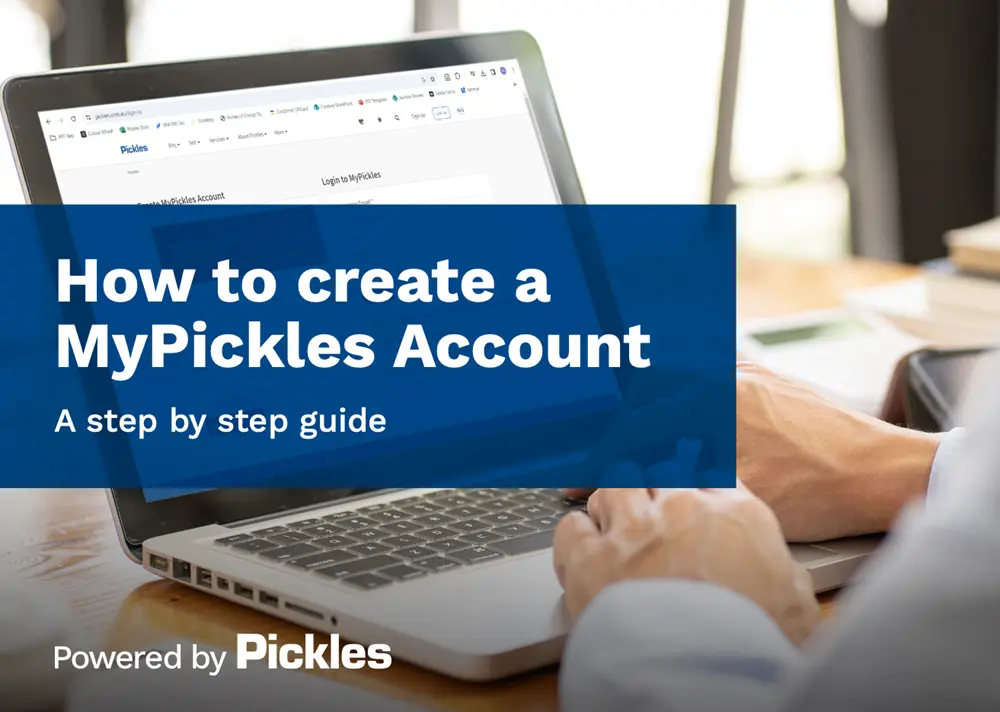
How to Create a MyPickles Account
Start bidding and shopping by creating your MyPickles account. Just complete a few quick steps, like adding your billing and ID details to your profile.
Can't find what you are looking for?

Contact Us
Got questions?
Contact our team for auction, vehicle, equipment, salvage, and general enquiries at 1300 052 392.

Email us
Have enquiries about Pickles?
Reach out to us at info@pickles.com.au.